301 vs 302 Redirects — the Difference, Use Cases and SEO Impact
What is a 301 and what is a 302 redirect? When to use each, how they affect Google rankings, and how to set them up correctly on WordPress, cPanel and Next.js.
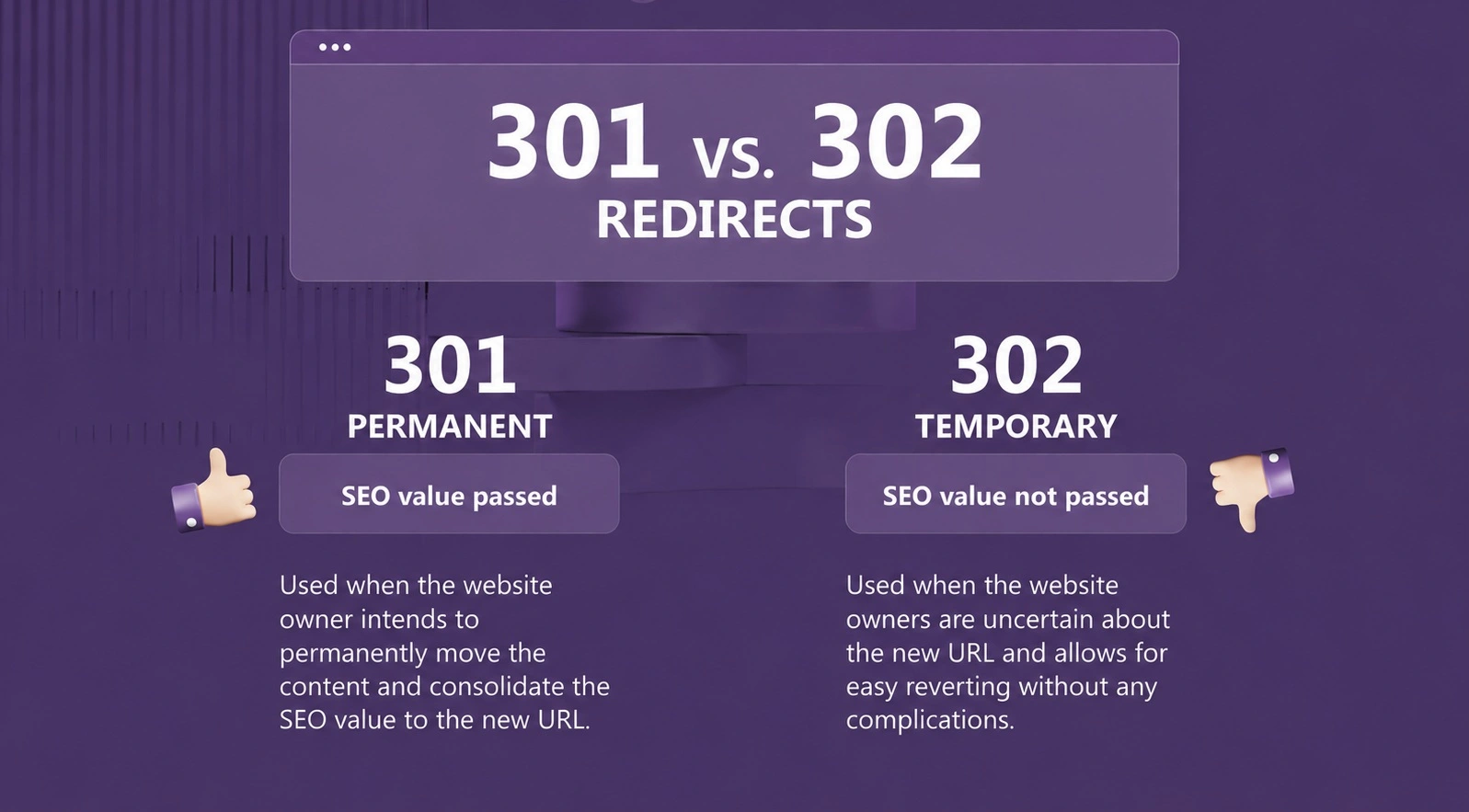
Restructuring your website, moving to a new domain, or merging several sites into one? If you don't set up redirects properly along the way, you risk losing visitors, Google rankings, and years of SEO work. In this article we explain what 301 and 302 redirects are, how they differ, and how to apply them correctly.
What is a redirect?
A redirect is an instruction the server sends to the browser: "The page you're looking for isn't here — go to this other address." Visitors usually don't even notice, because the redirect happens in a fraction of a second. But for Google, the type of redirect you use carries a very important message.
The numbers 301 and 302 are HTTP status codes — standardized server responses. Others exist (307, 308, meta refresh, JavaScript redirects), but in practice, 95% of the time you're choosing between these two.
301 — permanent redirect
A 301 code means: "This page has moved to a new address permanently."
Google takes that literally: it drops the old URL from its index, indexes the new one in its place, and — most importantly — transfers almost all SEO authority (backlinks, history, "link juice") from the old page to the new one.
Use a 301 when:
- moving from an old domain to a new one (e.g. mycompany.co.uk → mycompany.com)
- switching from HTTP to HTTPS
- changing your URL structure (e.g. /product?id=15 → /products/fiat-punto-headlight)
- permanently deleting a page and redirecting it to the closest existing one
- merging several websites into one (domain consolidation)
- resolving duplicate versions of your site (www vs non-www)
That last scenario is more common than you'd think. If your site loads on both www.site.com and site.com without a redirect, Google sees two sites with identical content — and your authority gets split in half.
302 — temporary redirect
A 302 code means: "The page is temporarily at another address, but it will be back."
Google therefore keeps the old URL in its index and does not transfer authority to the new one. The new address is just a temporary stop.
Use a 302 when:
- performing maintenance or a redesign and temporarily redirecting to a notice page
- running a seasonal campaign (e.g. a main product page temporarily points to a promo page)
- A/B testing different versions of a page
- redirecting users by location or language while keeping the original URL indexed
The most common — and most expensive — mistake
Using a 302 where a 301 belongs. If you move to a new domain with a 302 redirect, Google still considers the old domain the "real" one, transfers no authority, and your new site starts from zero in search. This mistake shows up constantly — often because some plugins and hosting panels create 302s by default.
Google has become more forgiving over time (long-lived 302s are eventually treated as 301s), but "eventually" can mean months of ranking limbo. Why risk it when choosing the right code is a matter of one setting?
Other common mistakes
Redirect chains. Page A points to B, B to C, C to D. Every hop slows down loading and "leaks" a portion of authority. The rule: always redirect directly to the final destination, in a single hop.
Redirecting everything to the homepage. When shutting down an old site, it's tempting to point all URLs at the new homepage. Google treats that as a "soft 404" and passes no authority. The correct approach is page-to-page mapping: old services page → new services page.
Forgotten redirects. Redirects for permanently moved pages should live for years, not months. Remove them too early and every old link (from other websites, from Google, from visitors' bookmarks) starts returning a 404 error.
Redirect loops. A points to B, B points back to A. The browser shows an "ERR_TOO_MANY_REDIRECTS" error and the site becomes unreachable. This usually happens with a bad combination of plugin and server settings.
How redirects are set up in practice
.htaccess (cPanel / Apache hosting)
On classic shared hosting, redirects are most often written in the .htaccess file in the site's root folder:
# Permanent redirect for a single page
Redirect 301 /old-page/ https://www.site.com/new-page/

# Entire old domain to a new one (page-to-page)
RewriteEngine On
RewriteCond %{HTTP_HOST} ^olddomain\.com$ [NC]
RewriteRule ^(.*)$ https://newdomain.com/$1 [R=301,L]
cPanel also offers a graphical "Redirects" tool if you'd rather not touch files manually.
WordPress
For individual redirects, the easiest option is the free Redirection plugin, or the redirect manager built into Rank Math / Yoast Premium. The plugin advantage: it tracks hits, so you can see which redirects are actually used and where visitors still land on old URLs.
Next.js
On modern Next.js sites, redirects are defined in next.config.js:
async redirects() {
  return [
    {
      source: '/old-page',
      destination: '/new-page',
      permanent: true, // true = 308 (permanent), false = 307 (temporary)
    },
  ]
}
Note: Next.js uses codes 308 and 307 — the modern equivalents of 301 and 302, which Google treats identically for SEO purposes. With a static export on classic hosting, redirects still go through .htaccess.
How to check your redirects
Never trust a setup blindly. Verify with:
- httpstatus.io or redirect-checker.org — enter a URL and see the exact status code and the full redirect chain.
- Google Search Console — the indexing report shows pages with redirects and any related issues.
- Screaming Frog (free up to 500 URLs) — crawls your entire site and finds chains, loops and broken redirects.
Conclusion
The rule is simple: permanent change = 301, temporary change = 302. But the devil is in the details — page mapping, avoiding chains, and keeping redirects active long enough.
Redirects are one of those invisible technical details that decide whether a site migration goes smoothly or costs you rankings you spent years building. If you're planning a move to a new domain, a redesign, or a consolidation of several sites into one — it's a job worth doing right the first time.
Planning a site migration or domain consolidation? Get in touch — we'll map the redirects and migrate your site without losing SEO authority.
Got a WordPress problem?
Get in touch today. We respond within 24h — no obligation.