WordPress Error 500 — What It Means and How to Fix It
Your site is showing "Internal Server Error 500"? Here's what causes this error on a WordPress site and how to fix it, step by step.
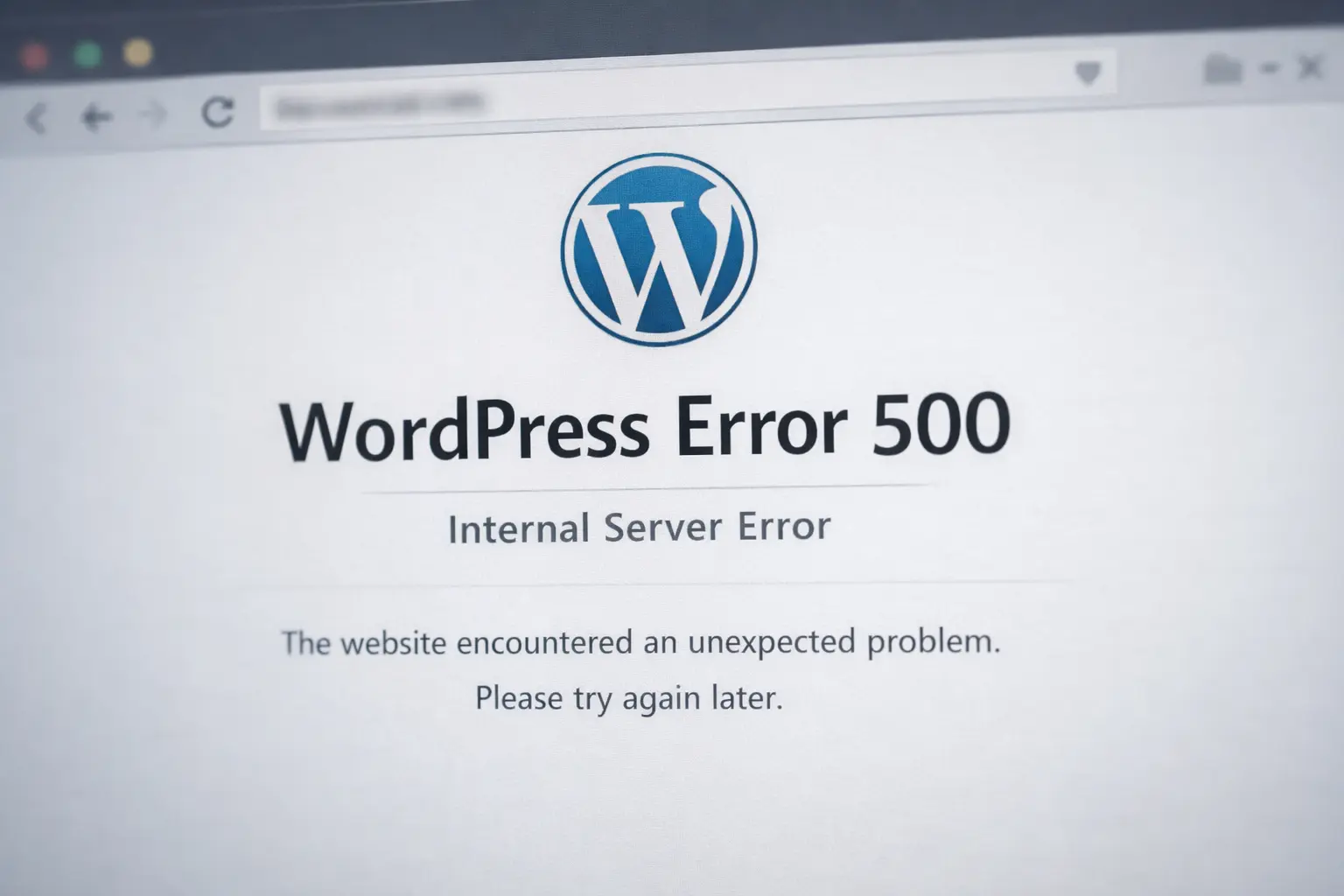
You open your site and instead of the homepage, you're greeted by a blunt message: "500 Internal Server Error". No details, no explanation — just a blank page and a sense of panic, especially if the site generates revenue or traffic is unusually high that day.
The good news: Error 500 is one of the most common WordPress errors and in the vast majority of cases it can be resolved in minutes, even without technical knowledge. The bad news: the cause can be anywhere — from a single plugin to the server hosting your site — so it's important to know where to look.
What Does Error 500 Actually Mean
Error 500 is a generic server error. It only tells you that something went wrong on the server while it was trying to generate the page — but not what. Unlike Error 404 (page not found) or 403 (access denied), 500 is a catch-all message the server throws when it can't describe the problem any other way.
That's why this error feels more stressful than most — it takes a bit of detective work to pinpoint the cause.
Most Common Causes
In practice, nine times out of ten, Error 500 on a WordPress site comes from one of these:
- Plugin conflict or incompatible update
- A problematic theme
- Corrupted .htaccess file
- Insufficient PHP memory limit
- Corrupted WordPress core files
- Database issue
How to Troubleshoot It Yourself — Step by Step
- Check the error log
- Deactivate all plugins
- Switch to a default theme
- Increase the PHP memory limit (define('WP_MEMORY_LIMIT', '256M'); in wp-config.php)
- Check and regenerate the .htaccess file
- Re-upload WordPress core files (wp-admin and wp-includes only — leave wp-content alone)
When It's Time to Call a Professional
If you've gone through all the steps and the site is still down, or you simply don't have time to dig through files while clients are waiting — that's a sign to hand it off to someone who deals with this every day. An error that looks simple can hide something more serious: a corrupted database, a hacked site, or hosting that no longer meets the site's needs.
Is your site currently down or keeps throwing Error 500? Get in touch — we offer a free diagnosis and in most cases resolve the error the same day.
Got a WordPress problem?
Get in touch today. We respond within 24h — no obligation.